Dashboard views
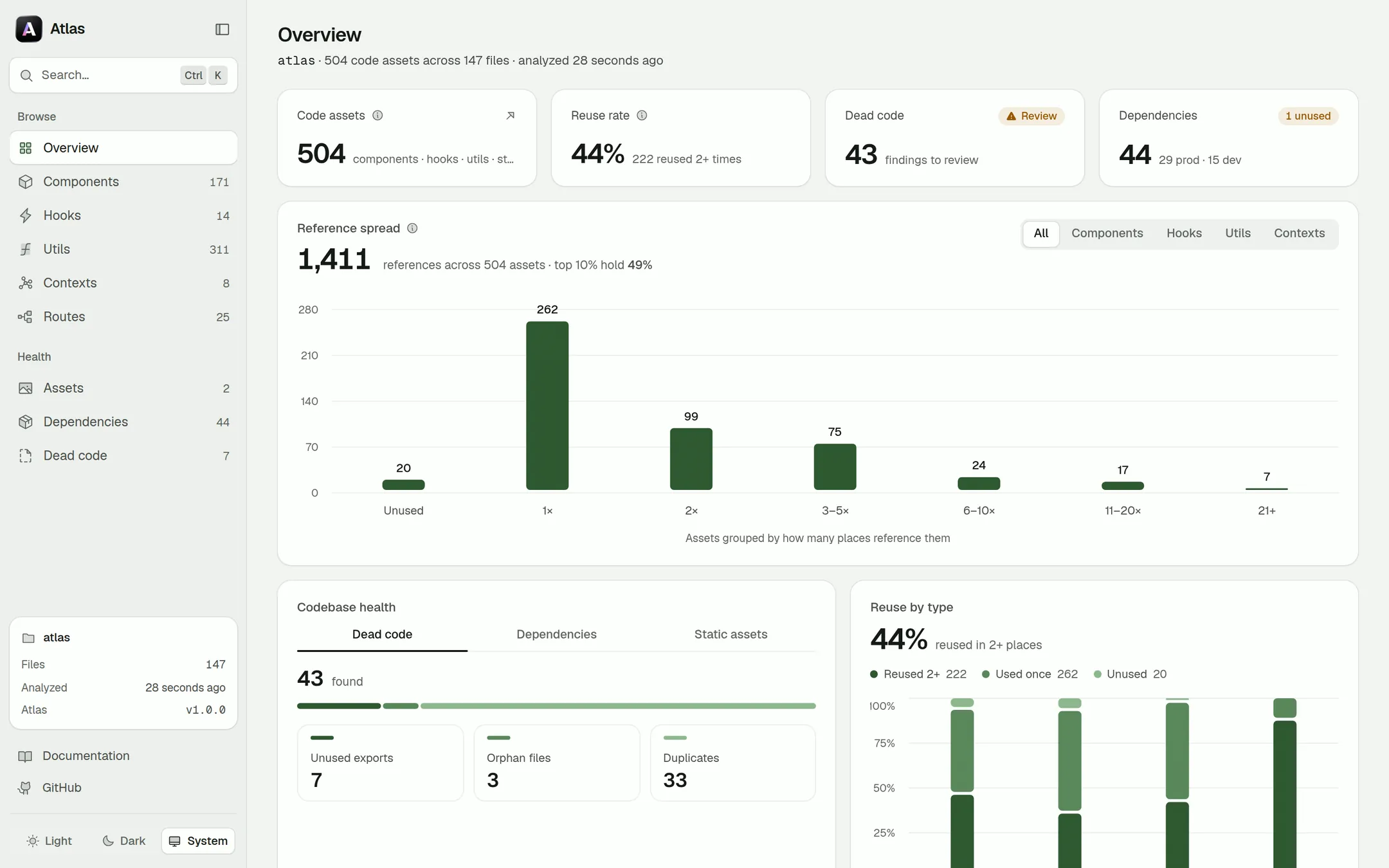
atlas serve opens a local React app over the analysis snapshot. Every view reads the same snapshot, so nothing is ever stale relative to anything else.
The views
| View | What it shows |
|---|---|
| 📊 Overview | Project stats at a glance — asset counts, framework detection, most-used assets and the health of the codebase. |
| 🧩 Assets | Every component, hook, util, context, store and route in one searchable, filterable list. |
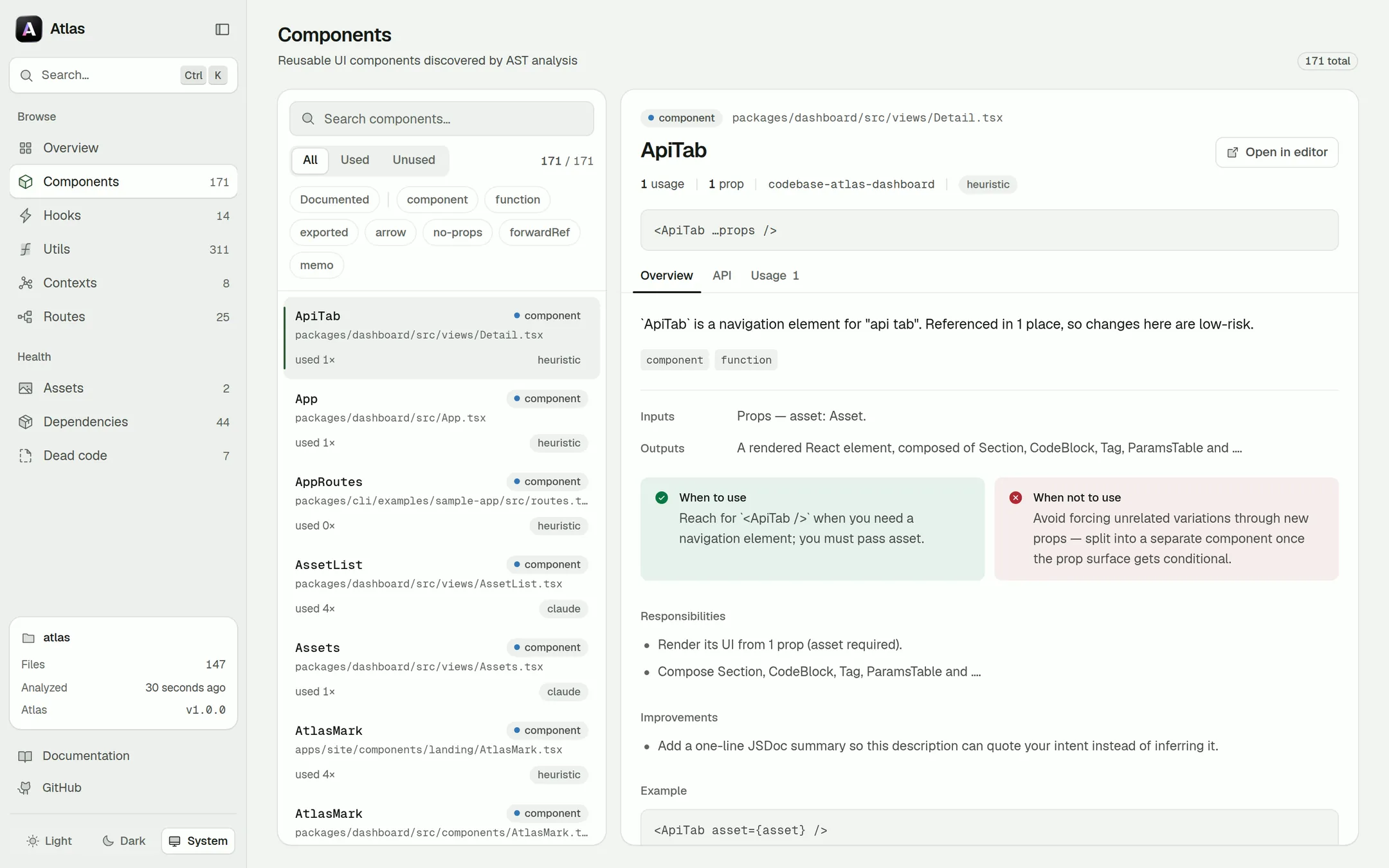
| 🔍 Asset detail | Props and parameters with resolved types, the generated description, and every location the asset is used. |
| 🧭 Routes | The route table for React Router, TanStack Router and the Next.js app / pages routers — including data-router config arrays. |
| 🧹 Dead code | Unused exports, orphan files and duplicate implementations, grouped so you can clean up in one pass. |
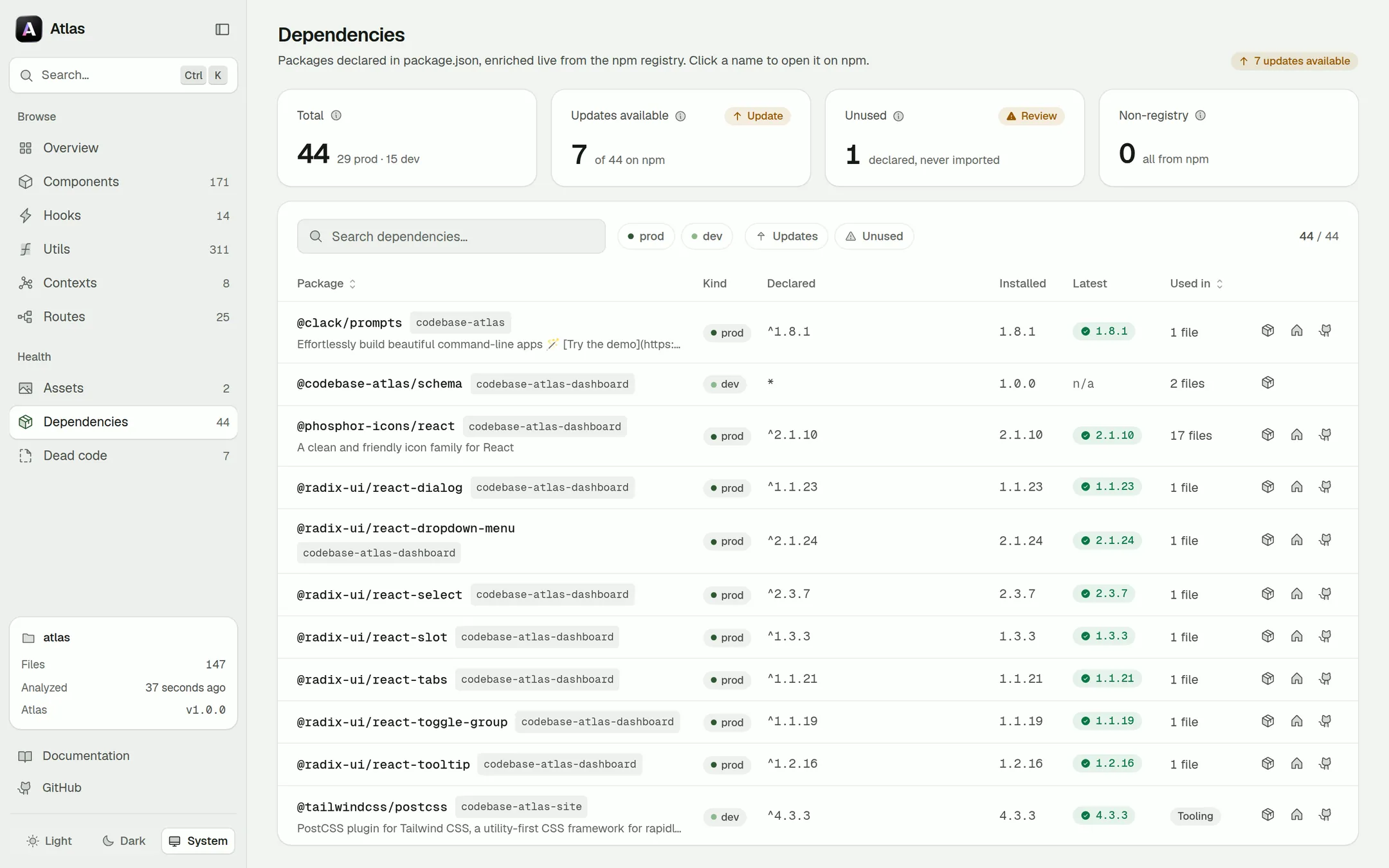
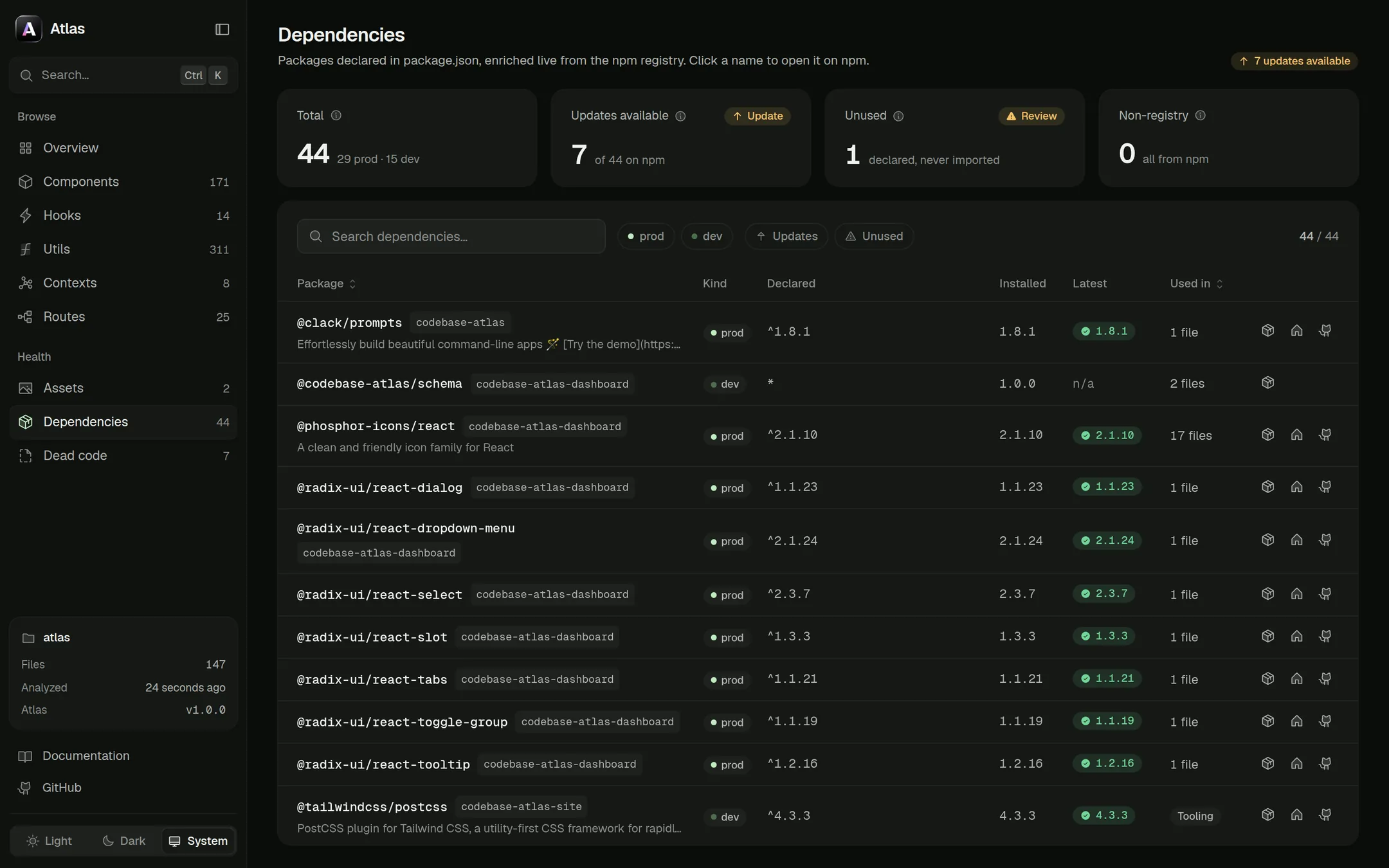
| 📦 Dependencies | Every npm package you declare, with the installed version, how many files import it, and a live update check from the registry. |
| 🖼️ Static assets | Images, vectors, fonts, media and PDFs previewed from their real path on disk — with size, intrinsic dimensions, the URL public/ files are served at, and every reference from code, CSS and markup. |
A closer look
Components, hooks and asset detail
Every asset list pairs a searchable, filterable column with the selected asset's detail: its signature, props or parameters, the generated (or agent-written) description, when to use it and every place it's referenced.
Routes
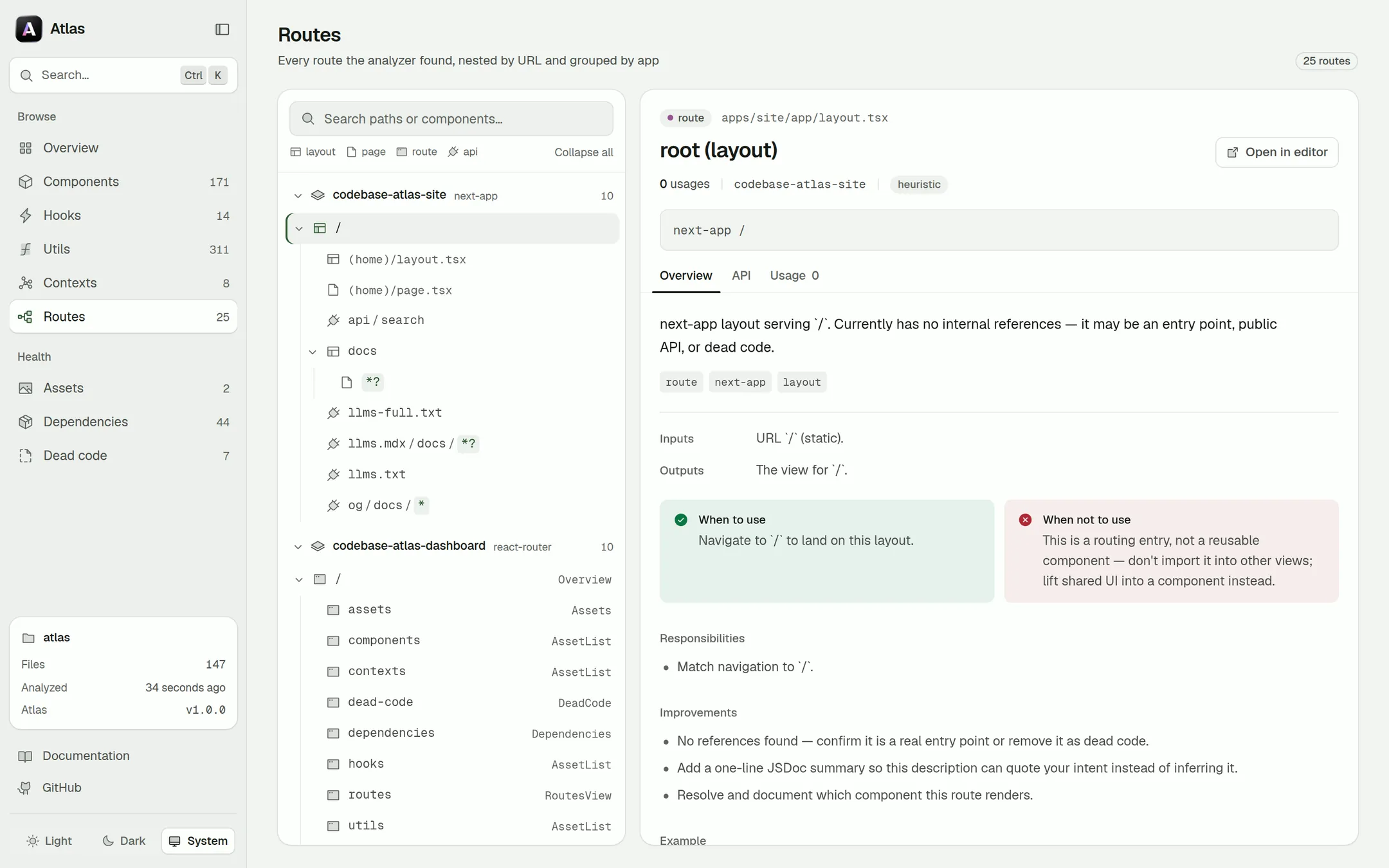
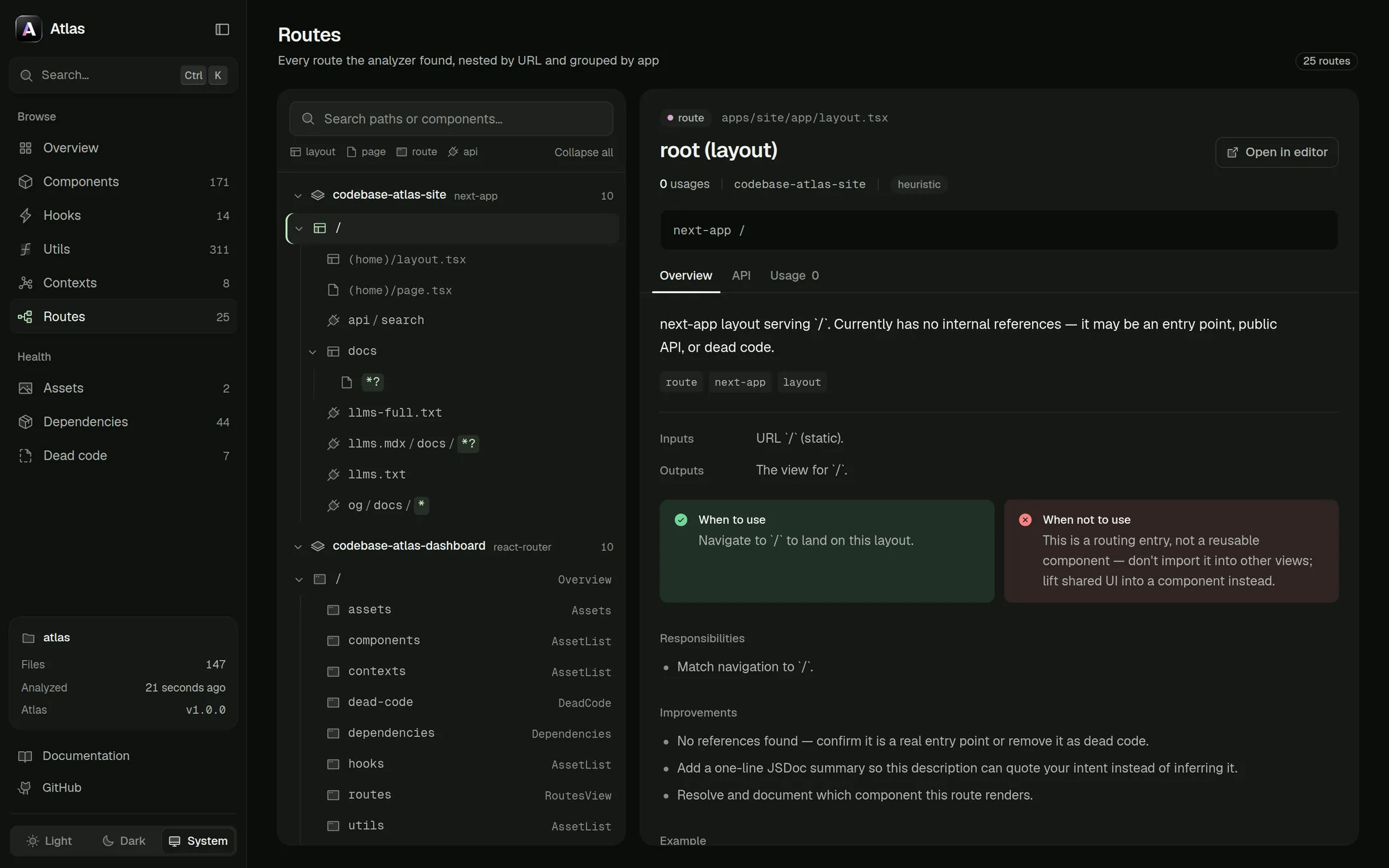
Routes are grouped per app and nested by URL, for React Router, TanStack Router and both Next.js routers.
Dependencies
Dead code
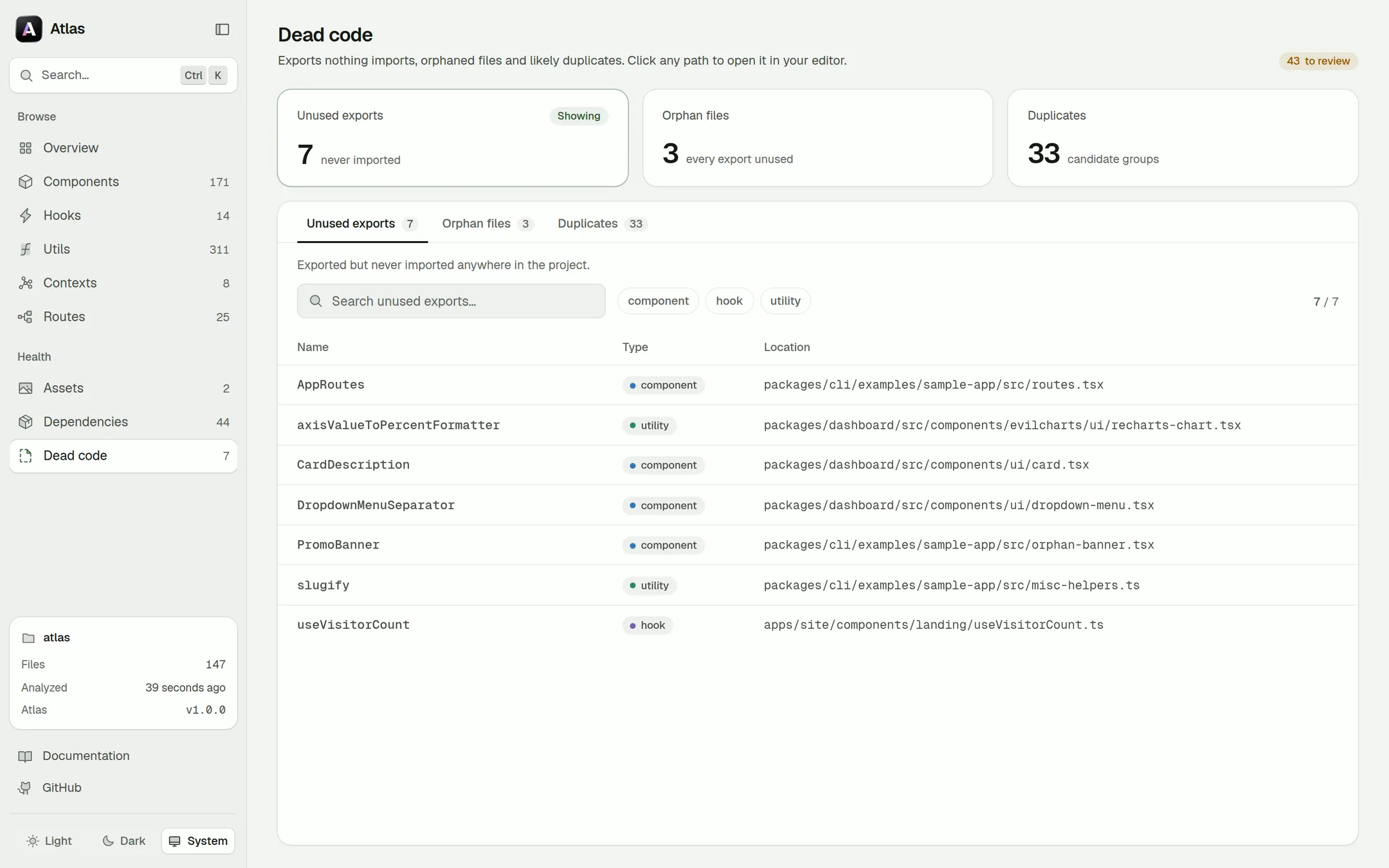
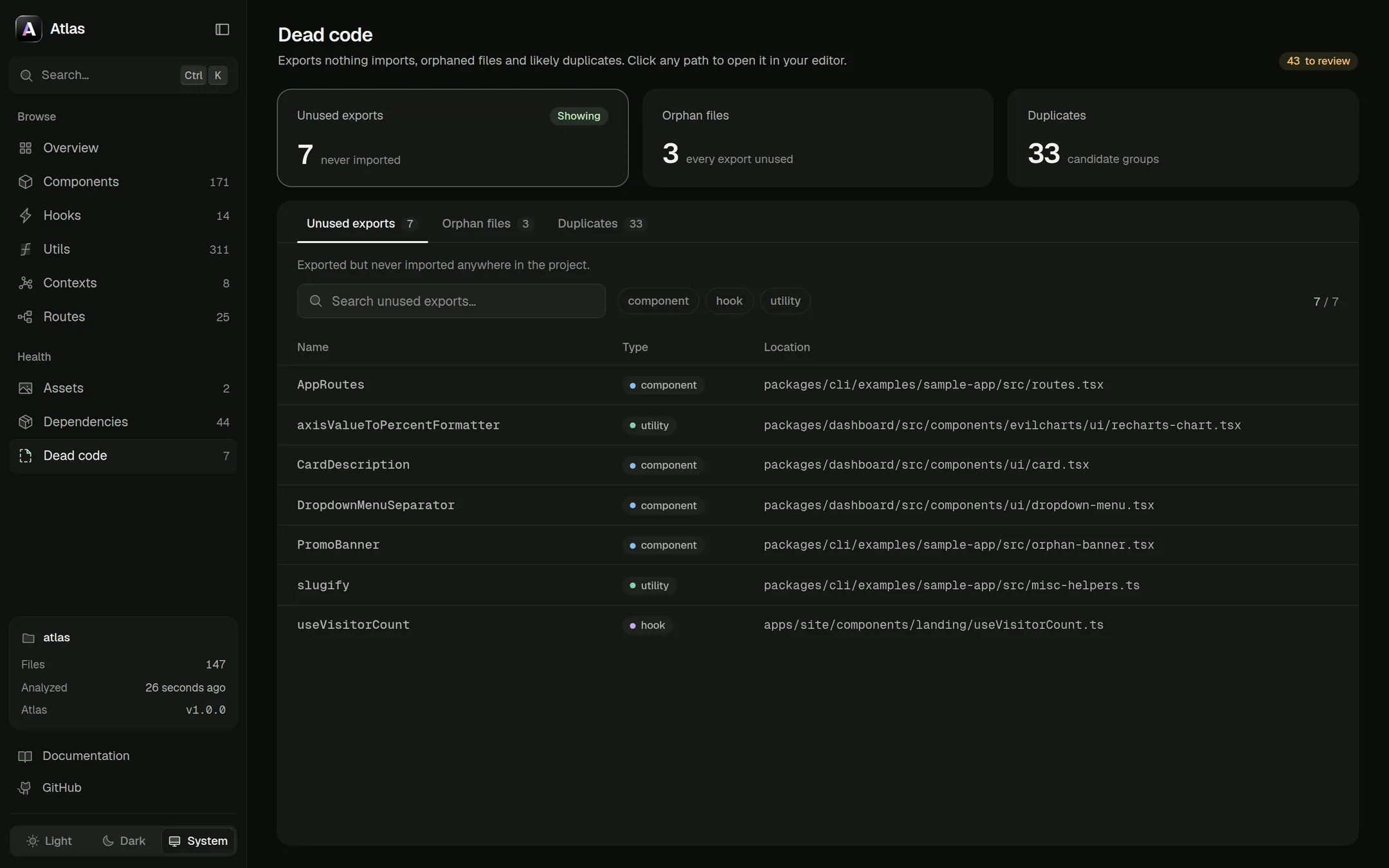
About these screenshots
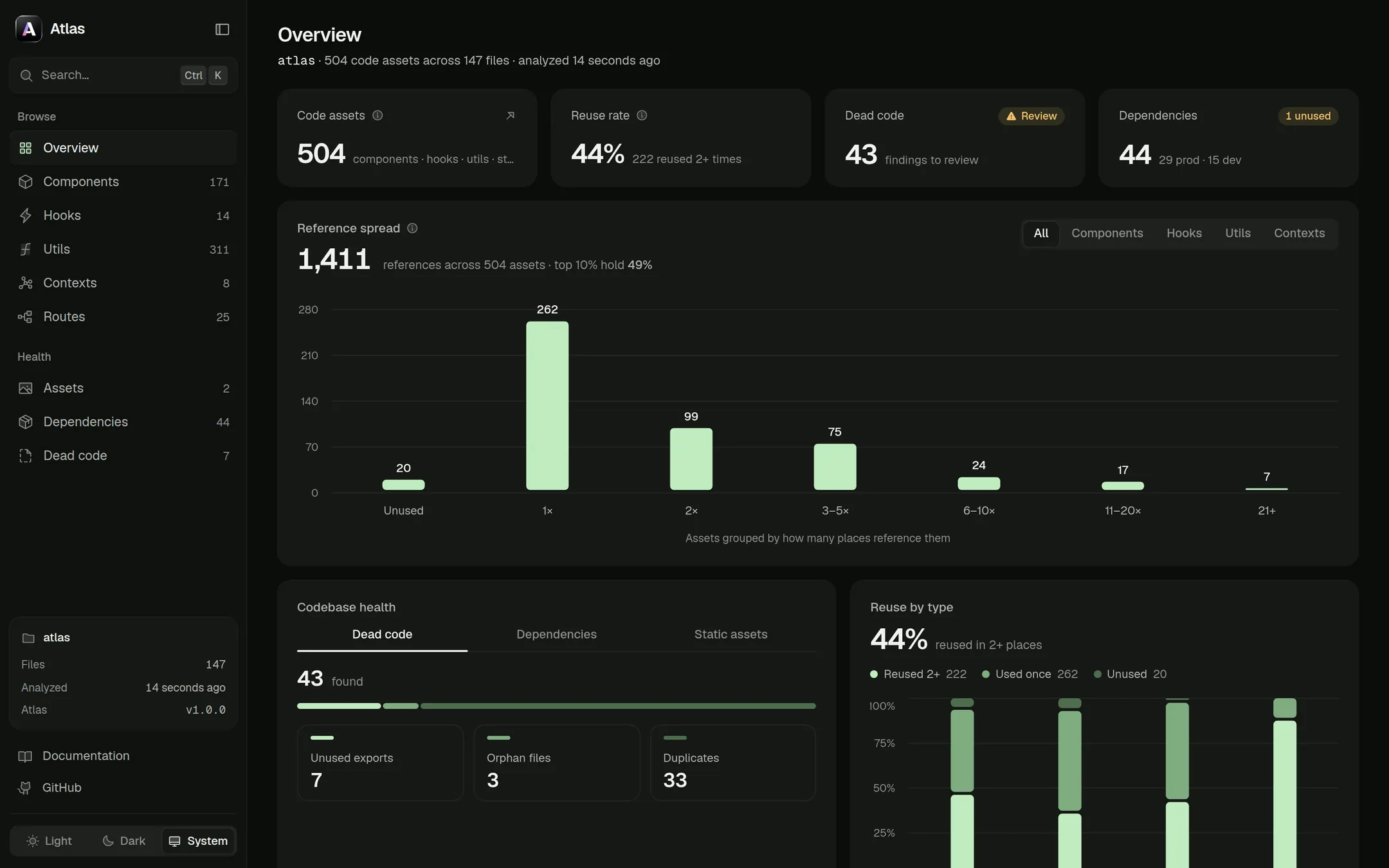
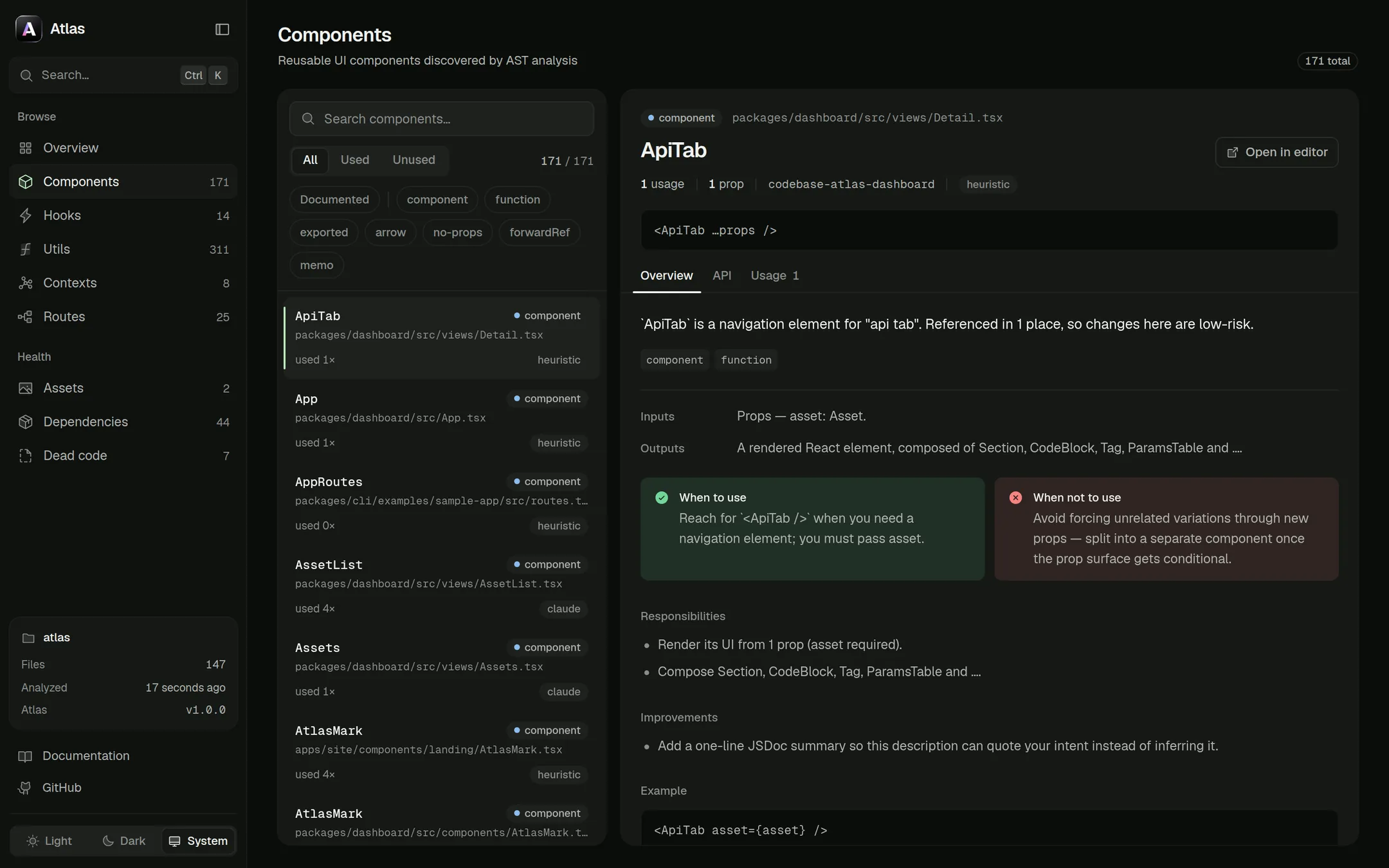
They show atlas serve run on the Atlas repository itself. The dashboard follows your system theme —
switch it from the bottom of the sidebar.
Serving it
atlas serve analyzes and opens the dashboard on port 4321, falling back to the
next free port. Pass --no-open to skip the browser, or --reanalyze to ignore the cache.
atlas export writes the same app as a static bundle — the dashboard plus a
data.json snapshot — so you can host a read-only map of the codebase for the whole team.
Static asset previews come from disk
The Static assets view renders each file from its real path: serve streams the original through the
local server, so nothing is copied out of your project, inlined into the data payload or written to a
temp folder. Only paths the scan actually discovered are readable, and each one must still resolve
inside the project root. A hosted export has no filesystem behind it, so previews
there fall back to typed placeholders.
Live data, one exception
Everything is computed offline from your code. The only network call is optional: the Dependencies
view asks the npm registry for package descriptions and latest versions so it can flag updates.
Packages installed from file:, workspace:, git or a URL are labelled as such and never looked up.
Global options
Flags accepted by the root command and every subcommand, plus the two options nearly every analysis command shares.
Analysis outputs
Every command that analyzes writes this file set to --out-dir, which defaults to .atlas/ in the project root. It's plain JSON — diff it, gate CI on it, or feed it to your own tooling.